How Much AI Costs Businesses
By Paige Gilmore, Founder, NetLift· Published June 22, 2026· Updated June 23, 2026
Prices checked September 26, 2026 against official vendor pages
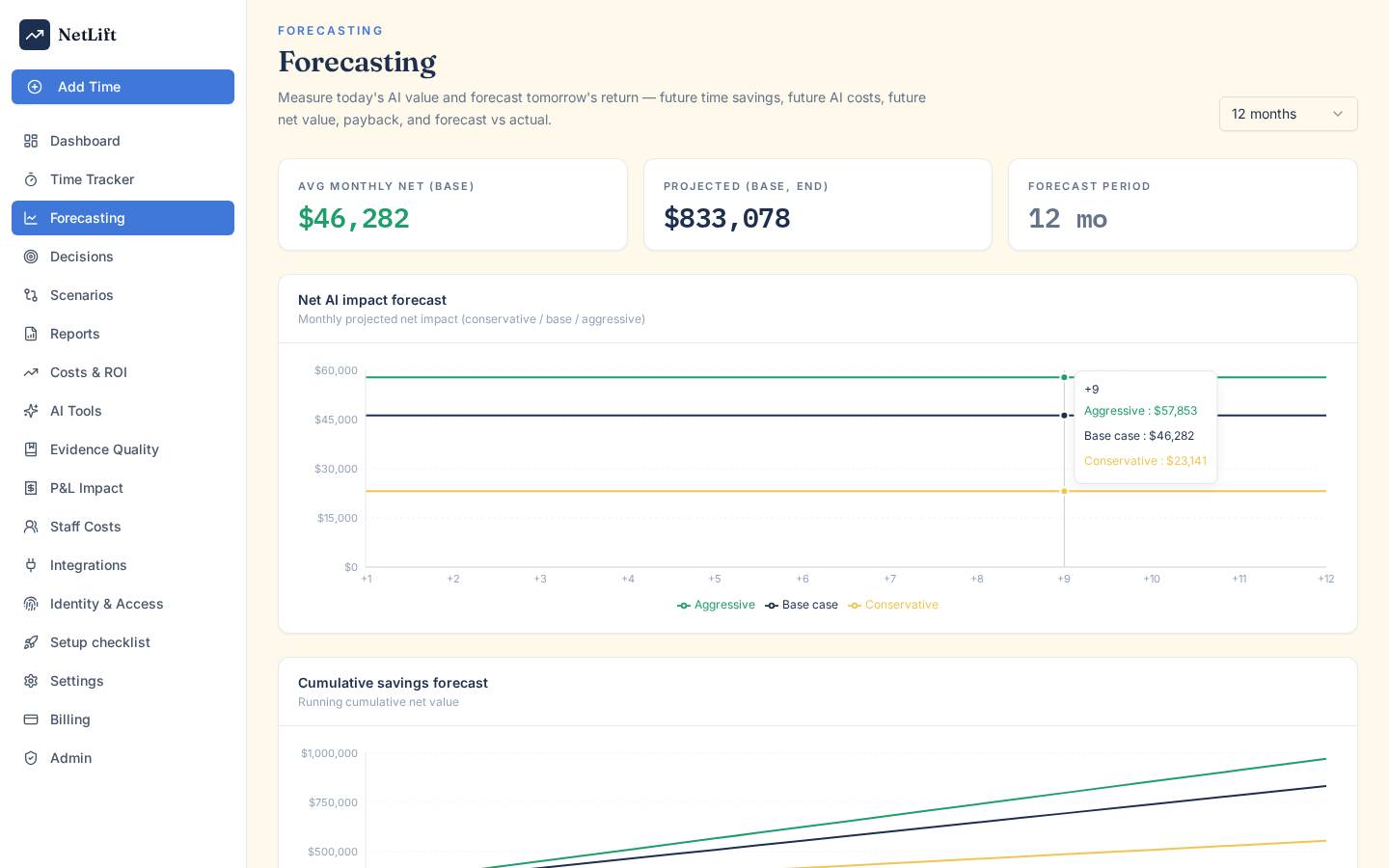
Business AI costs include direct vendor fees plus the cost of staff time spent reviewing outputs and managing governance. True total cost of ownership accounts for both invoice totals and hidden operational overhead.
See your real AI return — measured, not estimated.
AI Spend Vs. Business Cost
Your AI invoice shows what you paid a vendor. But your real AI cost includes licences, usage fees, setup work, staff time spent checking outputs, fixing mistakes, governance, duplicate tools, and internal support.
These numbers aren't the same. Mixing them up leads to decisions based on half the story.
Why The Invoice Is Only Part Of The Picture
The vendor bill is the most obvious cost, but it doesn't show the whole spend. For example, a team paying $50 per seat each month might also spend 30 minutes a day checking AI results, fixing errors, or handling odd cases.
That review time costs money too. When you add setup, training, maintenance, and compliance, the real cost of using AI for just one workflow can be two or three times the licence fee.
A Simple Formula For Total Cost Across Workflows
Here’s a basic way to add up the total cost for any workflow:
- Licence or usage fee (monthly)
- Staff time spent with AI, measured in hours and loaded cost
- Review, rework, and correction time
- Integration and support overhead
- Governance and compliance work for that workflow
Add these up to get a working total cost. Compare it to the time saved and what that time is worth, and you’ll see if the workflow is actually helping.
Why A Low Sticker Price Can Still Mean Poor Value
A $20 per month subscription looks cheap, but if your team spends four hours a week fixing its mistakes, the real cost jumps. If staff cost is $50 per hour, that’s $800 a month for a small team, just for corrections.
The sticker price didn’t change, but the return is now negative. This is a key point when talking about AI cost with finance or leadership.
See your real AI return — measured, not estimated.
What Actually Makes Up The Bill
AI pricing isn’t all the same. Most companies have a mix of per-seat licences, usage-based API billing, and AI features inside other SaaS tools.
Each type works differently and brings its own challenges.
Per-Seat Licences And AI Subscription Costs
Per-seat pricing is simple to budget. You pay a set monthly fee per user for tools like ChatGPT Plus. That makes planning easy.
The risk? Unused seats. If licences are assigned but not used, you’re paying for nothing. Unused seats waste money and are common in big AI budgets.
Usage-Based Billing For APIs And SaaS AI Tools
API pricing, like OpenAI’s, charges per token used. Input and output tokens are billed separately, and rates change by model.
This can scale up fast if usage grows. A busy workflow or high-volume process can gobble up tokens quickly, blowing past your estimates. Unlike seat licences, there’s no cap unless you set one.
Providers like OpenAI, Anthropic, and Google charge more for top-tier models. If you’re using a fancy model for simple tasks, you’re paying extra for no real gain.
Implementation, Integration, And Internal Support
People often underestimate the cost to set up AI. Connecting tools, checking outputs, training staff, and building review steps all take time and money before you see any savings.
Costs don’t stop after launch. Integrations need updates. Prompts get stale. Models change. Support is an ongoing job. These costs don’t show up on your vendor invoice, but they matter for your real spend.
How Token Usage Changes Economics
Token pricing is at the heart of AI cost management now. The price per token has dropped a lot, but total use has gone up so much that many teams pay more even with lower rates.
Input Tokens, Output Tokens, And Token Consumption
Input tokens are the text you send to a model. Output tokens are what you get back. Both get billed, and output tokens usually cost more.
Costs go up not just with volume, but with how you use tokens. Long prompts, big documents, or workflows that call the model many times can eat up tokens faster than you think.
It helps to track token use by workflow, not just the total bill. You need to know which workflows spend the most and if that spend brings value.
Model Tiers, Performance Trade-Offs, And Cost Control
Model tiers really change pricing. High-end models like Gemini Ultra or GPT-4o cost a lot more per million tokens than smaller, faster models. The extra power helps with tough tasks but isn’t needed for simple, repeat jobs.
Picking the right model for each workflow saves money. Use cheaper models for summaries or sorting, and save the big models for tasks that need real judgment.
When API Pricing Beats Seat Pricing And When It Does Not
API pricing is good when usage is low or steady. If your team sends about the same number of requests every day, paying per use can be cheaper than paying for seats that don’t get used.
Seat pricing works better if usage is high and steady across a big team. At that point, per-seat costs are capped and predictable. With API pricing, one change in workflow can suddenly spike costs with no warning and no budget cap.
See your real AI return — measured, not estimated.
Hidden Costs That Distort ROI
The costs you don’t see on an invoice are the ones most likely to mess up your return calculation. They’re real, and they add up whether you track them or not.
Review Time, Rework, And Human Oversight
People almost always check AI output before using it. A writer, analyst, or support agent looks over the result, fixes mistakes, or checks facts. That time costs money.
Rework is even pricier. If a mistake slips through, fixing it later, handling fallout, and regaining trust all add to the real cost. None of this shows up on your AI vendor bill.
Unused Seats, Duplicate Tools, And Shadow AI
Unused seats pile up when licences are handed out during rollout and never checked again. Sometimes, different teams buy the same tool without talking, so you pay twice. Shadow AI—when staff use tools without approval—adds secret costs that finance can’t see.
These problems are common when companies rush to adopt AI without a plan to check what’s working and what isn’t.
Governance, Security, And Compliance Overhead
AI governance brings real overhead. Things like data labels, access controls, usage rules, audit logs, and compliance reviews all take staff time. In regulated industries, compliance work can get heavy.
Security checks for new tools, vendor risk reviews, and data agreements add more cost. Most companies can’t skip these, but they rarely show up in early AI plans. Counting them in your total cost gives leaders a clearer view before making decisions.
Why Usage Data Does Not Prove Value
Usage numbers just show how often people use AI. They don’t say if it’s worth the cost. This really matters when talking about AI returns to finance or leadership.
The Difference Between Activity And Outcome
Lots of prompts, active users, or sessions just show people are using the tool. It doesn’t mean work got better, faster, or cheaper.
A team could use AI for every task but still take longer than before. Usage stats would look great, but the return would be negative. Without checking outcomes, you can’t tell the difference.
Hard Savings, Capacity Value, And Faster Delivery
When you measure return, be clear about what kind of value you’re counting. Hard savings are real cost cuts, like fewer hours billed, less headcount, or dropping a vendor. These are easy to prove.
Capacity value is time freed up when AI helps. But that only matters if the team uses the time for real work. If the time just fills up with busywork, there’s no real gain.
Faster delivery is valuable if it leads to quicker sales or lower costs. But you need to link it to real business results to count it as return.
How Evidence Quality Changes Leadership Confidence
Not all value claims are equal. If you track time, compare before and after, and check output quality, your evidence is strong. A guess from one user is weak.
NetLift looks at this with its Evidence Quality framework, scoring how solid each value claim is. When you show AI returns to leadership, the proof matters as much as the number. Weak evidence for big savings just brings more questions.
See your real AI return — measured, not estimated.
How To Measure Return At Workflow Level
Measuring AI returns by workflow works better than trying to do it for the whole company. One workflow gives you the numbers you need: time, cost, savings, and proof.
Compare Time With AI Against Time Without AI
Start by comparing. How long does the task take with AI? How long did it take before, or how long would it take without AI?
The gap is your time saved. Make sure you use a fair method to estimate the without-AI time—old records, a similar manual task, or a clear baseline. Loose guesses make weak evidence. Clear comparisons make strong evidence.
Connect Staff Cost, AI Tool Cost, And Net Value
Once you know time saved, multiply it by the staff’s loaded hourly rate. That gives you the gross value of the time saved.
Take away the AI tool cost for that workflow. What’s left is the current net value of using AI there. NetLift does this calculation, tying staff cost, AI tool cost, and time saved into a net value that finance teams can trust.
| Metric | What It Measures |
|---|---|
| Time With AI | Actual time to complete task with AI |
| Time Without AI | Baseline or estimated time without AI |
| Time Saved | Difference between the two |
| Staff Cost | Loaded hourly rate for the role |
| AI Tool Cost | Allocated licence or usage cost |
| Current Net Value | Gross saving minus AI tool cost |
Forecast Future Value, Payback, And Next Actions
Measuring one workflow helps even more when you look ahead. If the workflow runs daily, you can forecast monthly and yearly value. Combine that with the total setup and running cost, and you get a payback period.
NetLift helps with Future Value and Payback numbers from each workflow. These help leaders decide whether to grow a workflow, keep it under review, put more into it, or stop it. That way, measurement leads to action, not just reports.
A Practical Audit For Better Decisions
An AI cost audit isn’t just about compliance. It helps you see what you’re really spending, spot where costs aren’t bringing value, and make smarter choices about where to invest next.
A Checklist To Surface Hidden Costs Across Teams
Work through these areas step-by-step:
- Seat licences: Who has access? Who is actually using it? When did you last review the seats?
- Usage-based billing: Which workflows use the most? Does that usage give real value?
- Duplicate tools: Are different teams paying for the same thing?
- Shadow AI: Are people using AI tools that aren't approved?
- Review and rework time: How much time do staff spend checking or fixing AI results?
- Implementation and integration maintenance: Who handles this, and what does it cost each month?
- Governance and compliance: What do you pay for access controls, audits, and data checks?
- Infrastructure costs: For cloud or self-hosted models, what do you pay for each workflow?
Prompt engineering investment matters too. If your team spends hours tweaking prompts, that’s a cost—and you should expect the workflow to pay it back over time.
How NetLift Helps Teams Track, Import, And Evaluate AI Work
NetLift is an AI Value Management platform. It links AI work to costs, savings, and return for each workflow.
You can track time with a built-in time tracker, import data by CSV, or connect through API or other tools.
For every workflow, NetLift shows time saved, net value now, future value, and payback. It gives each claim an Evidence Quality score, so leaders know how much to trust the numbers. You can include batching, prompt engineering, and AI infrastructure costs in the calculation.
NetLift offers a free 14-day trial. You don’t need a credit card, and you can use sample data or your own.
Using Expand, Review, Improve, And Stop To Guide Investment
Once you’ve got workflow data, your next step should follow the facts. NetLift shows four choices for every workflow:
- Expand: The workflow works well and should be used more.
- Review: The numbers look good, but the evidence isn’t solid yet or the workflow is too new.
- Improve: The workflow could work if you fix cost or quality problems.
- Stop: The workflow costs more than it gives back. Time to end it.
This setup helps you turn an audit into a real investment plan. It’s easy for teams to keep everything running and just say things are fine. With this, finance and ops leaders can spot where AI spending pays off and where it doesn’t.
Frequently Asked Questions
Ready to see your AI return?
About the author
Paige Gilmore · Founder, NetLift
Paige Gilmore is the founder of NetLift, the AI Value Management platform that helps organisations measure the cost, savings and return of AI adoption.
Paige Gilmore on LinkedInKeep reading
ai-costs
HeyGen Pricing, Cost and Break-Even Value
HeyGen pricing starts at $24 per month for the Creator plan (billed annually) and scales to $149 per month for the Business plan. Costs vary based on billing frequency and the number of team members required for collaboration.
Read ai-costsDescript Pricing, Cost and Break-Even Value
Descript pricing ranges from $16 to $65 per seat per month. Most seats pay for themselves once they save a user between 0.2 and 1.3 hours of labor per month, depending on the plan and hourly rate.
Read ai-costsAnthropic API Cost per 1,000 Workflows
Running 1,000 workflows on Anthropic costs between $2.65 and $15.90, depending on the model used. For the Claude 3.5 Sonnet v2 model, 1,000 runs cost exactly $15.90 based on an assumption of 1,500 input and 500 output tokens per run.
Read ai-costsAI Usage Limits and Overage Costs
AI usage is typically billed via monthly seat licenses ranging from $0 to $5 per user, or metered token-based pricing starting at $0.06 per million tokens. Managing costs requires balancing these limits against the verified labour value of time saved to ensure a positive net return.
Read ai-costsContact-Sales AI Pricing Explained
Contact-sales AI pricing typically combines low-cost per-seat licenses, ranging from $0 to $5, with variable usage fees starting as low as $0.06 per million tokens. Buyers should prioritize net value by measuring these costs against the loaded labor value of time saved.
Read